
UNLEASH THE POWER
The Fractal Model platform combines the familiar flexibility of Microsoft Excel with the high-performance processing of a dedicated JavaScript engine via a proprietary Microsoft Add-In. To balance analytical depth with processing speed, the model features multiple calculation modes, with the “High” and “Optimizer” tiers leveraging the Add-In to deliver 5x faster speeds and high-resolution modeling for 8760-hour simulations over a 40-year asset life. This integrated engine also powers an automated optimizer that simultaneously balances hourly energy and ancillary services against sub-hourly market signals to maximize revenue stacking potential.
DOWNLOAD THE FRACTAL MODEL ADD-IN
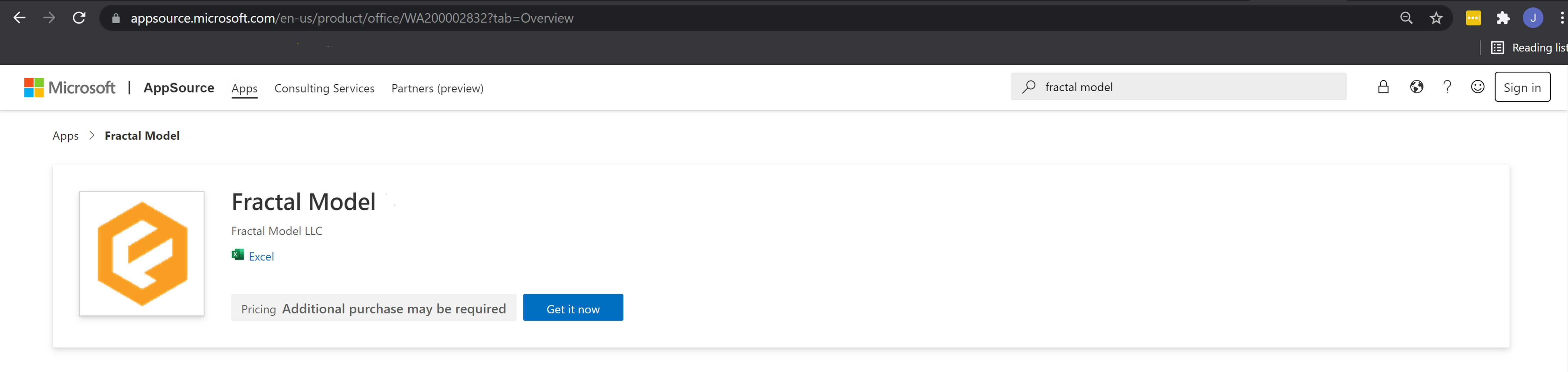
- Open Excel
- Click Insert > Get Add-ins.
- In the Office Add-ins box, browse for the Fractal Model, or search for an add-in by using the Search box.
- Click the add-in to read more about it, including a longer description. Then, click Add.
- You will be prompted to sign in. Type your email address and temporary password assigned by Fractal in your welcome email.
- Review the privacy information, and then click Continue.
- Click the Fractal icon in the top-right of the Excel ribbon to open the Add-in pane and added features.